 Print
Print Google Revamps AI Search with Enhanced Links and Context.
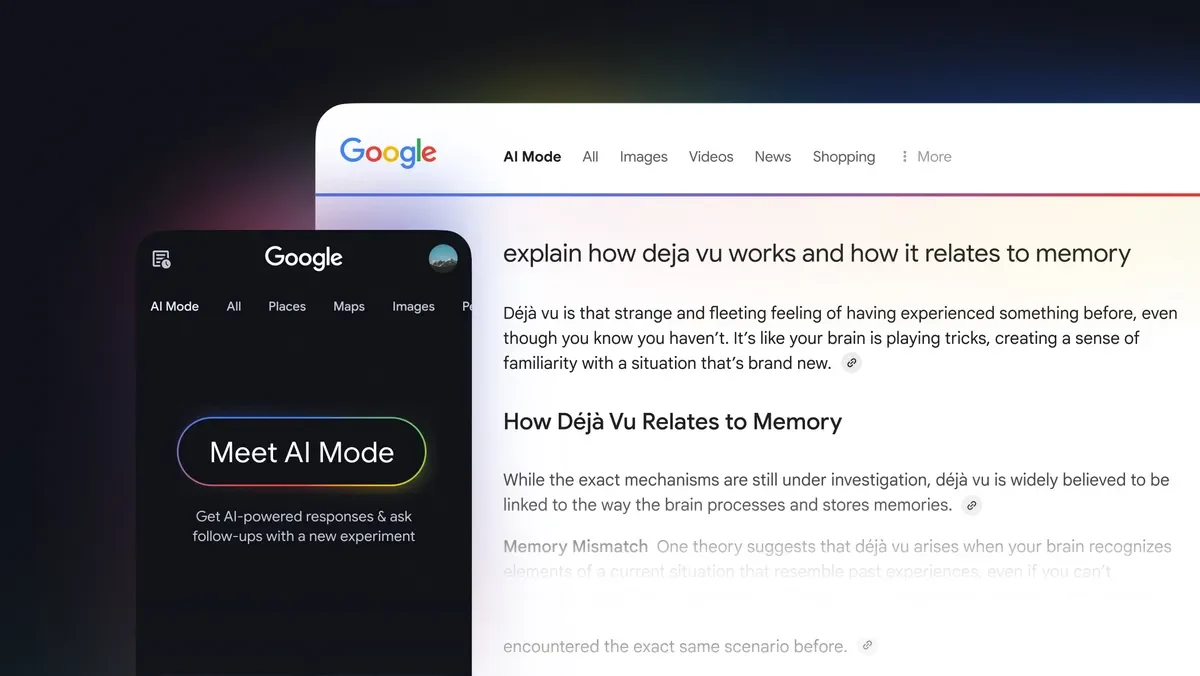
Look, Google's making some significant changes to its AI Search - and we're not just talking about minor tweaks. The tech giant is introducing new features like subscription labels and inline links to its AI Mode and AI Overviews. But what does this mean for users, and how will it impact website traffic?
What's New?
Hema Budaraju, Google's VP of Product Management, recently shared details about five key updates for links in AI Search. Here's the lowdown:
- Subscription highlighting: Google will now label links from users' news subscriptions in AI Mode and AI Overviews.
- Topic suggestions: After AI responses, users will see suggestions for related articles or analyses.
- Detailed previews: Google is adding previews from public discussions and social media in AI responses.
- Inline links: Users will notice more links directly within AI responses.
- Hover previews: On desktop, when users hover over an inline link, a small preview will pop up, displaying the website's name and page title.
1. Subscription Labels
And here's the thing - these labels will be clearly visible, so users know which links come from their subscribed news sites. Early tests have shown that people are more likely to click on these labeled links, which is a win-win for both users and websites.
2. Topic Suggestions
But that's not all - Google's also introducing topic suggestions to help users dive deeper into a subject. These suggestions will appear after AI responses, providing users with more context and avenues for exploration.
3. Discussion and Social Media Previews
Google's adding more context to AI responses by including previews from public discussions and social media. This includes extra info like creator names and communities - giving users a better understanding of where the information comes from.
4. More Inline Links
Users will notice more links directly within AI responses, making it easier to find related information. These links will be placed next to relevant sections of the text - a clever move to encourage further exploration.
5. Link Previews
On desktop, hovering over an inline link will trigger a small preview, displaying the website's name and page title. This helps users understand where the link will take them before they click - a handy feature that saves time and reduces uncertainty.
Why This Matters
These updates aim to make links more visible and engaging - especially for websites that closely monitor their referral traffic. The goal is to create a user journey that encourages exploration, rather than just providing a quick answer.
As Google adds more inline links and hover previews, it addresses concerns that AI answers might reduce the need to click on sources. However, we'll need to keep an eye on how these changes affect website traffic over time - it's not a straightforward fix, and the impact will likely vary.
Looking Ahead
The next big question is how often these new link features will appear across different parts of AI Search. Google hasn't provided specific details about the rollout - so we'll just have to wait and see how these changes play out.
Overall, Google's updates to AI Search are a step in the right direction - encouraging exploration and providing users with more options for finding the information they need. And who knows, this might just be the start of a new era in search.
How AI Mode Works in Google Search: Complete Guide
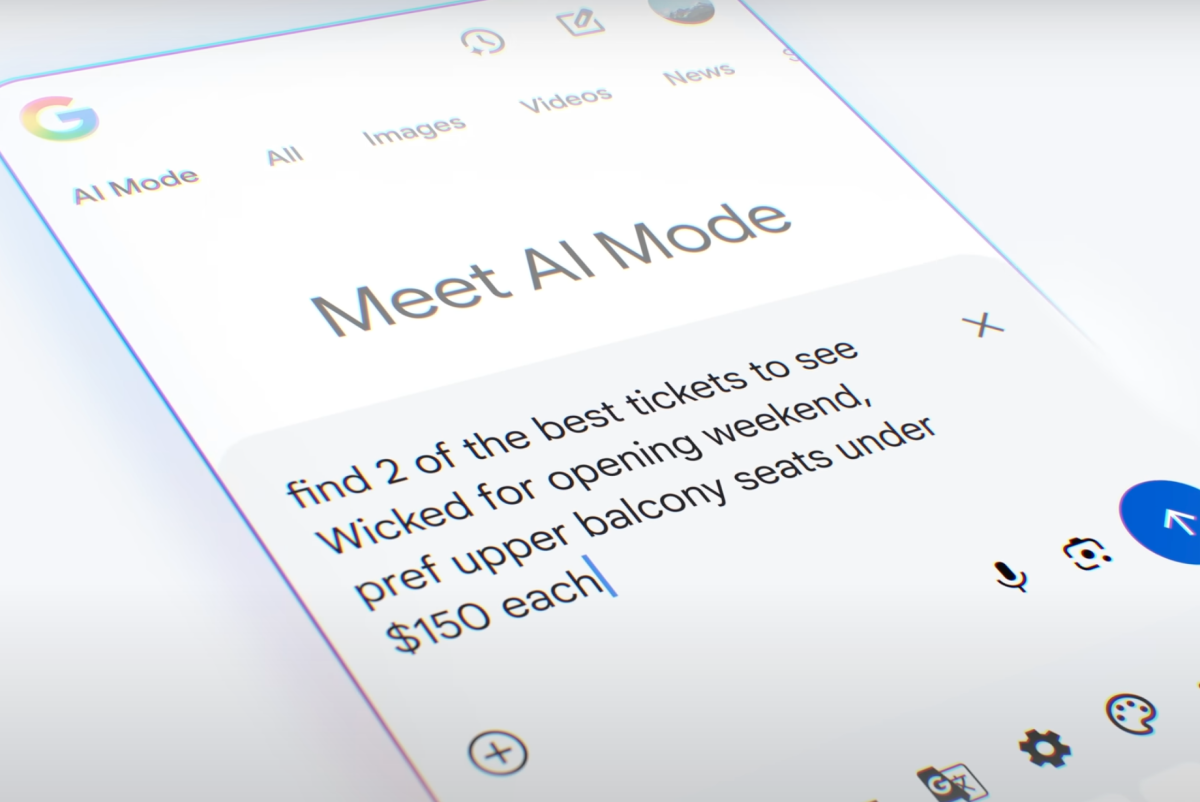
AI is shaking up how we search online. One of the biggest shifts? Google's AI Mode — a leap from keyword-based results to something smarter, more conversational. This guide breaks down how AI Mode works, its features, how it compares to classic search, and what it means for marketers and regular users alike.
What Is AI Mode? (Simple Definition)
Think of AI Mode as Google's brainy new assistant. It combines search with AI to give deeper answers — not just links. Instead of a list of websites, you get summaries, step-by-step guides, and explanations that feel almost human. Google calls it their next-gen experience, but really? It's just trying to be less robotic.
Here's the twist: AI Mode mixes web results with AI-generated insights. So when you ask "how AI Mode works," it doesn't just find pages with those words — it explains the whole thing, top to bottom.
Why Google Built This (No, Really)
Old-school search matches keywords. AI Mode? It tries to get what you actually want. Let's say you ask, "Why's my phone so slow?" Classic search would find articles about "slow phone fixes." AI Mode might break down battery usage, app behavior, and even suggest closing those pesky tabs eating up memory.
But here's the thing: Google didn't do this for fun. People want assistants, not link lists. AI Mode stitches answers from different sources, fills in gaps, and lets you keep chatting — like texting a friend who's weirdly good at research.
Old vs New: AI Mode vs Classic Search
Classic search works like a library catalog. Google's bots crawl billions of pages, index them, and rank results by keywords, backlinks, and clicks. You search, you scan links, you click around — classic hassle.
AI Mode flips this:
Inside AI Mode: Step-by-Step Breakdown
1. Understanding Your Query
Ask "how AI Mode works" and Google doesn't just hunt for those exact words. It deciphers intent — are you a developer, a casual user? It might guess based on your search history, device type, even the time of day. Creepy? Maybe. Useful? Definitely.
Welcome to the AI Mode processing pipeline.
2. Expanding the Query (a.k.a. Thinking Bigger)
This part's clever. Google takes your question and generates related sub-queries. Ask about AI Mode, and it'll also check:
- How AI Mode differs from regular search
- Features users actually care about
- Can it handle voice or image inputs?
It's like having a curious friend who asks follow-up questions before you even think of them.
3. Multimodal Inputs — Not Just Text Anymore
Here's the kicker — you can use text, voice, or even upload images. Try snapping a photo of a math problem and asking AI Mode to solve it. Or upload a recipe photo and ask for a grocery list. The AI? It'll juggle all that info and spit out an answer.
4. Making Sense of Chaos (Synthesis Time)
Now the magic happens. Google's Gemini models (or whatever they're using this week) piece together info from across the web. Need an example? Ask how to fix a leaky faucet — AI Mode might blend steps from Home Depot, YouTube tutorials, and plumbing forums into one tidy guide.
You get:
- Clear explanations
- Key facts
- Sources (so you can check the math)
- Even diagrams sometimes
5. Keep Talking — Follow-Up Conversations
Ever asked a question, then realized you forgot a key detail? AI Mode remembers context. Try:
You: How do I enable AI Mode?
Google: [Explains]
You: What if my phone's running iOS 15?
Google: [Adapts answer]
It's like a real conversation — except with way more patience.
How to Turn On AI Mode (If You Can Find It)
Google's rolling this out slow. Some see it, others don't. If you're lucky enough to have access:
Where to Find AI Mode
Desktop/Mobile Web
Check Google's search bar for an AI Mode tab next to All, Images, etc.
Google App (iOS/Android)
Look for the chat-like interface. Tap, and you're in.
Experimental Access
Try searching "Google AI Mode settings" — sometimes it pops up in Labs or regional URLs.
Step-by-Step Activation
- Open Google Search or the app.
- Hunt for the AI Mode tab — it hides sometimes.
- Click it. Boom. You're now in AI territory.
- Try typing, speaking, or uploading an image.
Can't find it? Wait. Google's testing this slowly, like they always do.
AI Mode's Secret Sauce: What It Can Do
This isn't just search 2.0 — it's search with superpowers.
Deep Thinking, Not Just Matching
Forget surface-level answers. AI Mode connects dots. Ask "why are electric cars better?" and it'll balance environmental impact, maintenance costs, and tech trends — not just list pros from some blog post.
Conversations, Not One-Off Searches
Try asking about a health symptom, then follow up with "What if I have a family history?" AI Mode keeps the thread — no need to repeat context.
Text, Voice, Images — All Welcome
Point your camera at a broken chair and ask "Can this be fixed?" AI Mode might suggest glue types, local hardware stores, and even YouTube tutorials. All from a single photo.
Source? Cite It.
Google knows you're not just here for pretty words. Most answers include links so you can double-check facts — like a responsible AI should.
Try These Example Prompts
Play around with:
- "Compare AI Mode vs regular search"
- "Show me how to enable it on Android"
- "What's the best SEO strategy for 2024?"
- Upload a product photo and ask "Where can I buy this cheaper?"
It handles weirder stuff, too. Try it.
AI Mode vs AI Overviews: Not the Same Thing
Don't mix these up. AI Overviews are like CliffsNotes — quick summaries at the top of search. They're fast, but shallow.
AI Mode? It's the full course. It dives deep, handles complex questions, and keeps the conversation going. Overviews are snacks; AI Mode is a five-course meal.
SEO in the Age of AI Mode: What Marketers Need to Know
Here's the bad news: Old SEO tricks won't cut it. AI Mode's changing the game.
Ranking Signals — Now With More Context
Keywords still matter, but context wins. Google's not just checking for "best running shoes" anymore — it's analyzing if your article truly explains why those shoes matter for marathon runners vs casual walkers.
Go Deep or Go Home
Thin content? AI Mode will ghost it. Produce thorough guides, detailed case studies, and expert insights — and you might get cited.
Conversational Content Is Key
Let's face it: Users don't type "SEO strategies 2024" — they ask "What's the best way to boost my website's traffic this year?" Write like humans talk.
Structured Data: The Secret Weapon
Use schema.org markup. Help Google understand your content's purpose — is it a recipe? A how-to? AI Mode leans on this for accurate answers.
New Tools for a New Era
SEO tools are adapting fast. Look for:
- Ahrefs' AI Mode analysis
- SurferSEO's conversational query tracking
- Custom AI answer monitoring tools
If you're not tracking visibility here, you're already behind.
Real-World Examples: AI Mode in Action
Case 1: Research Made Easier
A student needs to explain neural networks. Instead of 10 tabs, AI Mode gives a breakdown with diagrams, analogies, and sources. Pretty slick, right?
Case 2: Plan a Trip, No Stress
Ask "Plan a budget Japan trip in fall." AI Mode builds a day-by-day itinerary, estimates costs, and recommends where to find good ramen in Tokyo. All in one chat thread.
Common Questions About AI Mode
What is AI Mode?
Google's AI-powered feature that explains things conversationally, using text, voice, or images.
How to enable it?
Check Google's search bar or app — if it's available in your region.
Does it handle images?
Yep. Snap a photo and ask questions about it — AI Mode's got you covered.
Will it replace regular search?
Not yet. Classic search sticks around, but AI Mode's quickly becoming the better option for complex answers.
What Does This Mean for Regular Users?
Less tab-switching. More instant answers. Want a quick answer? AI Mode gives it upfront. Need nuance? It'll explain. For businesses? You must adapt — craft content that answers questions directly, not just "mentions keywords."
The Challenges
Trust the Source?
AI answers can be convincing but wrong. Google's adding citations, but users still need to verify — especially for medical/legal stuff.
SEO Needs a Rewrite
Marketers can't just chase keywords. They must understand conversational queries, optimize for voice, and structure content differently.
What's Next for AI Mode?
Imagine search that books your flights, debugs code as you write, or even gives cooking tips while you're in the kitchen. With AI Mode, Google's building toward a world where search isn't just reactive — it's proactive, personal, and deeply integrated into daily life.
Bottom Line: Why You Should Care
AI Mode isn't just a gimmick. It's search evolving:
- Conversational
- Context-aware
- Multimodal
- Smarter than before
Whether you're a student, marketer, or just someone who Googles "how to fix a Wi-Fi router at 2 AM," understanding AI Mode helps you stay ahead of the curve.
Ready for the AI Search Revolution?
As AI reshapes how we find stuff online, businesses need to adapt — fast. SEO Web Analyst SEO Analysis Tool specializes in using AI to audit website SEO performance, which aids to build your search engine visibility, and SERPs. You should consider running a professional SEO Audit with a full Broken Link Audit, to provide an holistic view of your SEO Journey you can start with a trial via our demo.
Reference URL: https://techgenies.com/how-ai-mode-works/
Sponsored content is clearly marked and reflects my honest opinions and experiences. I only promote products, services, or brands that are relevant to my audience and align with the values of this blog.
All advertising partnerships are managed in accordance with SEOWebAnalyst’s Advertising Policy. For questions, please contact me via my contact info on any of the post published.